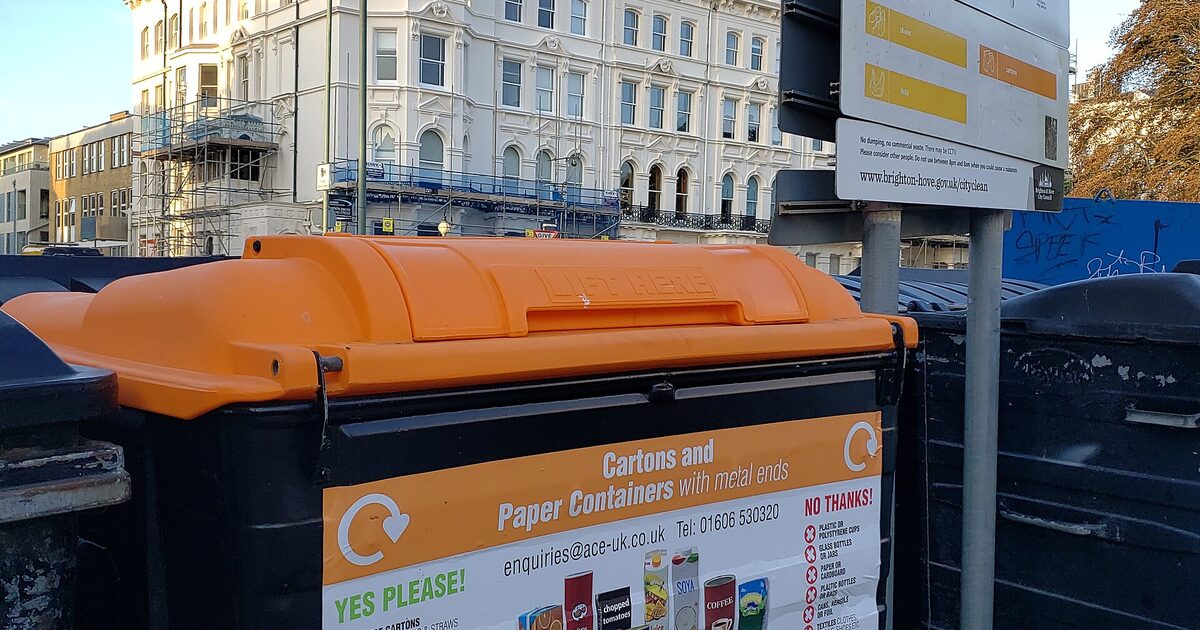
Bild: „Cartons and Paper Containers with metal ends recycling bin.jpg“ von Andy Li, CC0 (Lizenz) (zugeschnitten und verkleinert)
QR codes have become a bridge between physical products and digital information. For product care and recycling guidance, they offer a simple way to give customers instant access to instructions that would otherwise be too lengthy for a label. This guide explains how QR codes work for this purpose, how to implement them effectively, and what to consider for a smooth user experience.
Why QR codes are ideal for care and recycling information
Product labels are limited in space, yet care and recycling instructions often require detailed explanations. A QR code can link to a webpage with comprehensive guidance, including text, images, and videos. This is especially useful for products with specific washing requirements or complex recycling processes. By using a QR code, brands can provide up-to-date information without reprinting packaging.
Additionally, QR codes support multiple languages and can be updated dynamically if the destination is a short url that redirects. This flexibility is valuable for global products.
How to create a QR code for product care and recycling
Creating a QR code is straightforward. Follow these steps:
- Define the destination: Decide on the webpage that will host the care and recycling instructions. This could be a dedicated page on your website or a hosted landing page.
- Generate a short link: Use a url shortener to create a concise, memorable link. This makes the QR code less dense and easier to scan.
- Create the QR code: Use a QR code generator to encode the short link. Choose a high error correction level (e.g., H) to ensure the code remains scannable even if partially damaged.
- Test the QR code: Scan it with multiple devices to ensure it works correctly and leads to the right page.
- Add the QR code to packaging: Place it on the product label or packaging in a visible area. Include a brief call-to-action like "Scan for care instructions."
For dynamic QR codes, you can update the destination URL without changing the printed code. This is useful if you need to revise instructions or move the page.
Best practices for QR code placement and design
To maximize scan rates, consider these best practices:
- Size and contrast: Ensure the QR code is at least 2 x 2 cm (0.8 x 0.8 inches) and has high contrast (dark code on light background).
- Placement: Put the code where users will naturally look—on the back of the product, near the care label, or on the packaging flap.
- Context: Add a short instruction like "Scan for recycling info" to clarify the purpose.
- Durability: For products that may get wet or handled roughly, use durable printing or place the code under a protective layer.
- Accessibility: Provide a text alternative (e.g., a short URL) for those unable to scan.
Using a link shortener for dynamic QR codes
A link shortener is essential for creating dynamic QR codes. By shortening the destination URL, you reduce the complexity of the QR code, making it easier to scan. More importantly, a short link can be edited to point to a new destination without regenerating the QR code. This means you can update care instructions or recycling guidelines as regulations change, without reprinting packaging. When choosing a shortener, look for one that offers analytics and reliable redirects.
What to include on the landing page
The landing page should provide clear, actionable information. Structure it with headings for care and recycling sections. Include:
- Step-by-step care instructions (e.g., washing temperature, drying methods).
- Recycling guidance: which parts are recyclable, how to disassemble, and local recycling options.
- Visual aids: icons or images to illustrate instructions.
- Contact information for further questions.
Keep the page mobile-friendly, as most users will scan with a smartphone.
Tracking and improving engagement
Use analytics from your short link to track how many people scan the QR code and which pages they visit. This data helps you understand which products generate the most interest and where you might need to improve instructions. You can also A/B test different placements or call-to-actions to optimize scan rates.
Common pitfalls to avoid
Even with good intentions, some mistakes can hinder effectiveness:
- Broken links: Always test QR codes before printing. Use a reliable shortener to avoid link rot.
- Poor placement: Avoid placing codes on curved or flexible surfaces where they may distort.
- Lack of context: Without a clear call-to-action, users may not know why they should scan.
- Ignoring privacy: If you collect data, ensure compliance with privacy regulations and be transparent about data use.
Conclusion
QR codes provide a practical solution for delivering product care and recycling guidance. By following best practices and using a url shortener for dynamic links, brands can enhance the customer experience while supporting sustainability efforts. Whether you're a small business or a large manufacturer, integrating QR codes into your packaging is a step toward more informed and responsible product use.