Bild: KI-generiert
Understanding QR Codes
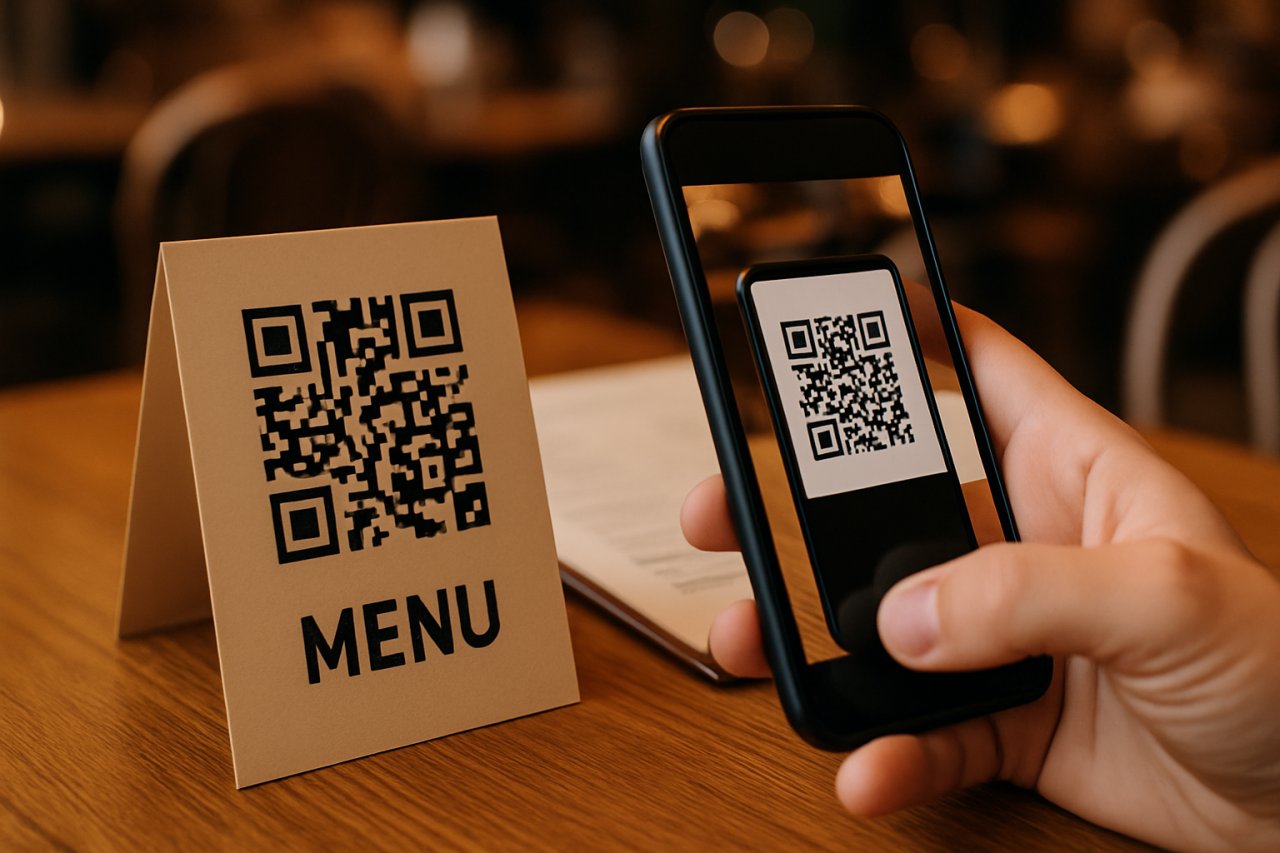
QR codes, or Quick Response codes, are two-dimensional barcodes that store data, typically a URL. They can be scanned using smartphones to quickly access information, making them ideal for restaurant menus.
Steps to Create a QR Code for Your Restaurant Menu
Choose a QR Code Generator
Select a reliable QR code generator. Many are available online, offering free and paid options. Look for features like customization and tracking.
Prepare Your Menu Link
Ensure your restaurant menu is accessible online. This could be a webpage, PDF, or a document hosted on a cloud service. Copy the link to your menu.
Generate the QR Code
Paste the menu link into the QR code generator. Customize the design if desired, such as changing colors or adding a logo. Generate the code.
Test the QR Code
Before finalizing, scan the QR code using a smartphone to ensure it directs to the correct menu link. Make any necessary adjustments.
Print and Display the QR Code
Once verified, print the QR code on materials such as table tents, menus, or flyers. Ensure it is large enough for easy scanning.
Benefits of Using QR Codes for Menus
- Enhances customer experience by providing quick access to the menu.
- Reduces the need for physical menus, enhancing hygiene.
- Allows for easy updates to the menu without reprinting materials.
- Can include additional information such as nutritional facts or specials.
Conclusion
Creating a QR code for your restaurant menu is straightforward and offers numerous benefits that enhance both customer experience and operational efficiency. By following the steps outlined, you can effortlessly implement this technology in your restaurant.