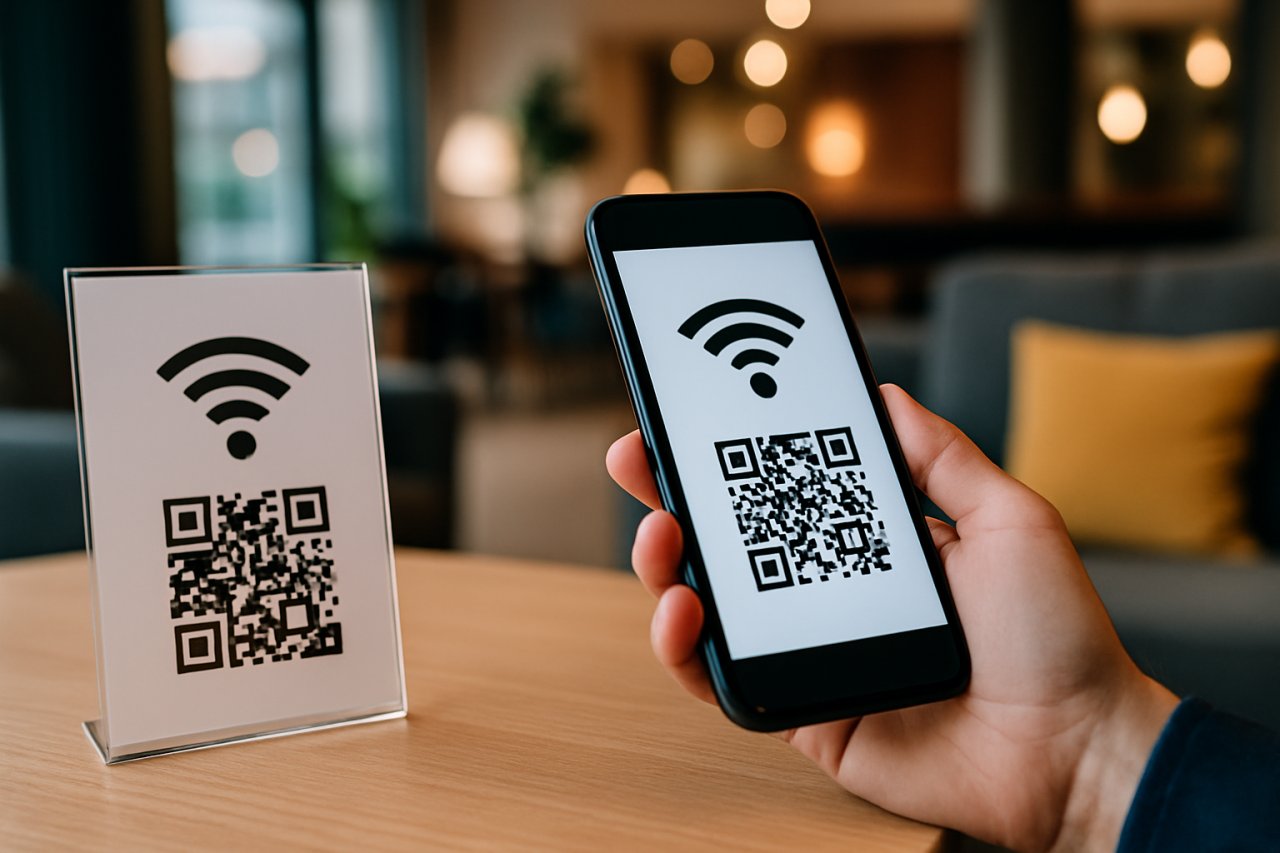
Bild: KI-generiert
Understanding QR Codes for Wi-Fi Access
QR codes have become a popular tool for providing guests with easy access to Wi-Fi networks in hotels. They offer a seamless way for guests to connect without needing to manually enter lengthy passwords.
Benefits of Using QR Codes for Guest Wi-Fi
- Convenience: Guests can scan the QR code with their smartphones and connect instantly.
- Security: QR codes can be set to expire after a certain time or number of uses, adding an extra layer of security.
- Reduced Staff Interaction: Simplifies the check-in process, minimizing the need for staff to provide Wi-Fi passwords.
How to Create a QR Code for Wi-Fi Access
- Choose a QR Code Generator: Select an online QR code generator that supports Wi-Fi access creation.
- Enter Wi-Fi Details: Input the SSID (network name), type of encryption (WPA/WPA2), and password.
- Customize Your QR Code: If desired, customize the design of the QR code to match your hotel’s branding.
- Generate and Download: Click the generate button and download the QR code image.
Displaying QR Codes in Hotels
Once created, the QR codes can be printed and displayed in various areas within the hotel, such as:
- Guest rooms
- Lobbies
- Dining areas
- Conference rooms
Best Practices for Implementing QR Codes for Wi-Fi
- Regularly Update Codes: Change the QR codes periodically to enhance security.
- Provide Clear Instructions: Include simple instructions on how to scan the QR code.
- Monitor Usage: Track usage patterns to understand guest preferences and improve Wi-Fi service.
Conclusion
Using QR codes for guest Wi-Fi access in hotels not only improves the guest experience but also adds a layer of security and efficiency. By following the steps outlined above, hotels can easily implement this modern solution.